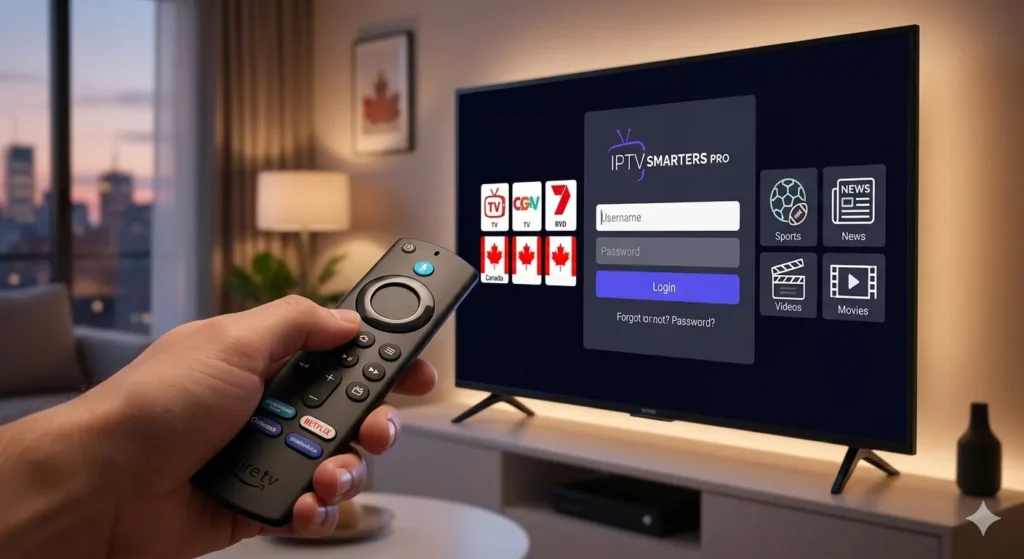
How to Setup IPTV on Firestick in Canada: The Ultimate 5-Minute Guide
Learning how to setup IPTV on Firestick in Canada is the single best way to cut the cord and stop overpaying for cable in 2026. With a Fire TV stick and a high-speed internet connection, you can access thousands of premium channels in stunning 4K resolution.
Whether you are a tech expert or a complete beginner, this step-by-step tutorial will help you get your streaming service running in less than five minutes.
Prerequisites for a Smooth Setup
How to Setup IPTV on Firestick in Canada? Before you begin, ensure you have the following:
A Stable Internet Connection: For 4K streaming in Canada, we recommend a minimum speed of 25 Mbps.
An Amazon Firestick: Any version (Lite, 4K, or 4K Max) will work.
A Premium Provider: To get the most out of your device, you need the best iptv canada service to ensure server stability.
Step 1: Enable “Apps from Unknown Sources”
Because IPTV apps are usually not hosted directly on the Amazon App Store, you must allow your Firestick to install third-party applications.
Go to Settings > My Fire TV.
Select Developer Options.
Turn on Install Unknown Apps.
Note: If you don’t see Developer Options, go to About and click the name of your device 7 times to unlock it.
Step 2: Install the “Downloader” App
To download your IPTV player, you need a tool called Downloader.
Search for “Downloader” on the Firestick home screen.
Click Download and then Open.
Allow the app to access your files when prompted.
Step 3: Download Your IPTV Player (Smarters Pro or Tivimate)
In the URL bar of the Downloader app, enter the direct link provided by your service provider. Most Canadians prefer IPTV Smarters Pro or TiviMate for their user-friendly interfaces.
Enter the URL and click Go.
Once the file downloads, click Install.
Open the app once the installation is complete.
Step 4: Enter Your Login Credentials
Once the app is open, select “Login with Xtream Codes API.” You will need to enter:
Any Name: (e.g., Canada Best IPTV)
Username & Password: Found in your activation email.
Server URL: Usually looks like http://provider-url.com:port.
Why Canadians Prefer Firestick for IPTV
how to setup IPTV on Firestick in Canada :The Firestick is the preferred device in Canada because it supports high-end codecs like H.265, which reduces buffering even if your internet provider (like Bell or Rogers) is experiencing peak-hour congestion. For more information on how this compares to traditional services, check out our detailed guide on IPTV vs Cable TV Canada (Internal Link).
Summary & Final Thoughts
how to setup IPTV on Firestick in Canada is a simple process that unlocks a world of entertainment. By following these steps, you are now ready to enjoy high-quality streaming without the burden of monthly cable contracts.
Now that you know how to setup IPTV on Firestick in Canada, you can enjoy unlimited entertainment.
For more information on the latest hardware or to check out the official requirements for streaming devices, visit the Amazon Fire TV Support page.
SUBSCRIBE
Join our community of 3 million people and get updated every week We have a lot more just for you! Lets join us now